

Cooking Fever: Strategy Meets Fast Food Fun
Overview
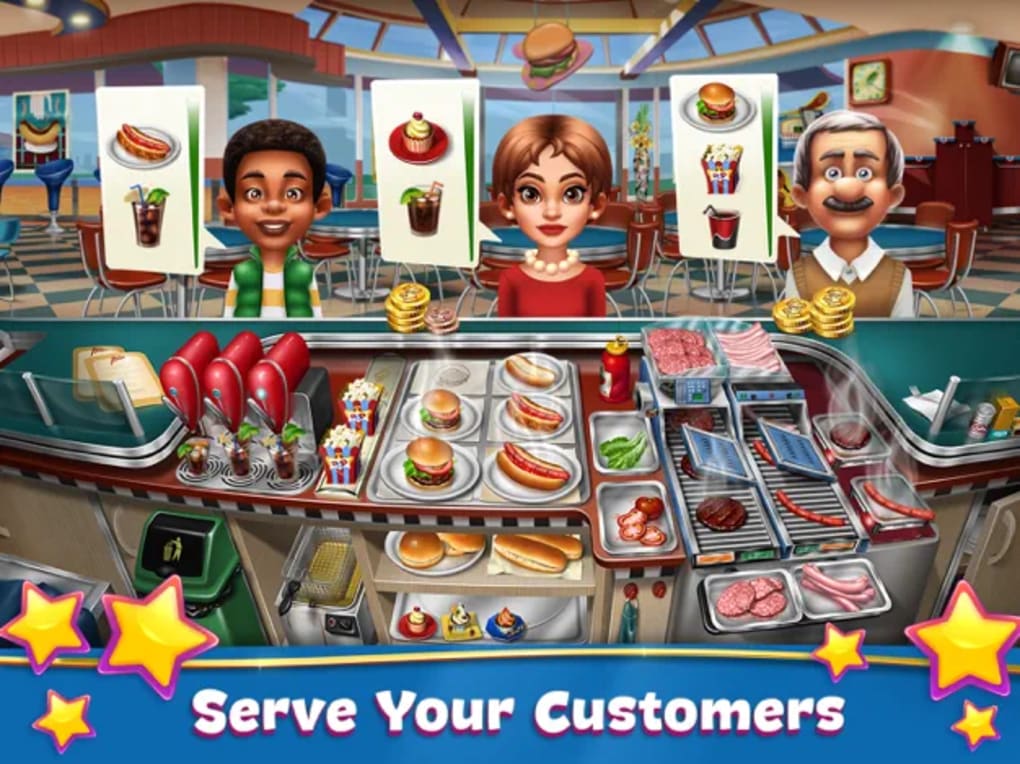
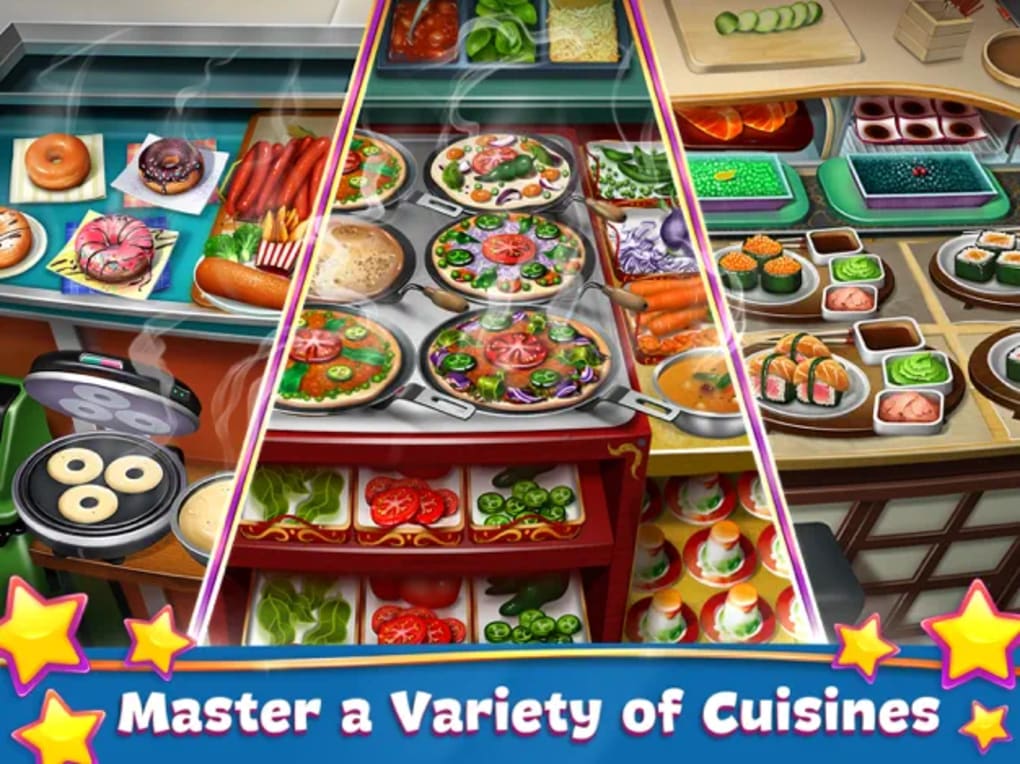
Cooking Fever delivers a dynamic twist on the classic kitchen simulation genre, transforming routine food preparation into a strategic and engaging experience. Designed for players of all ages, this game places users in charge of a fast food restaurant where they must manage orders, prepare meals under pressure, and upgrade their kitchen to keep customers satisfied. The core gameplay revolves around timely meal preparation—cooking burgers, assembling tacos, baking cakes—while navigating increasing waves of demanding clients. Success depends on rhythm, precision, and decision-making, especially as levels progress and multiple orders stack up.
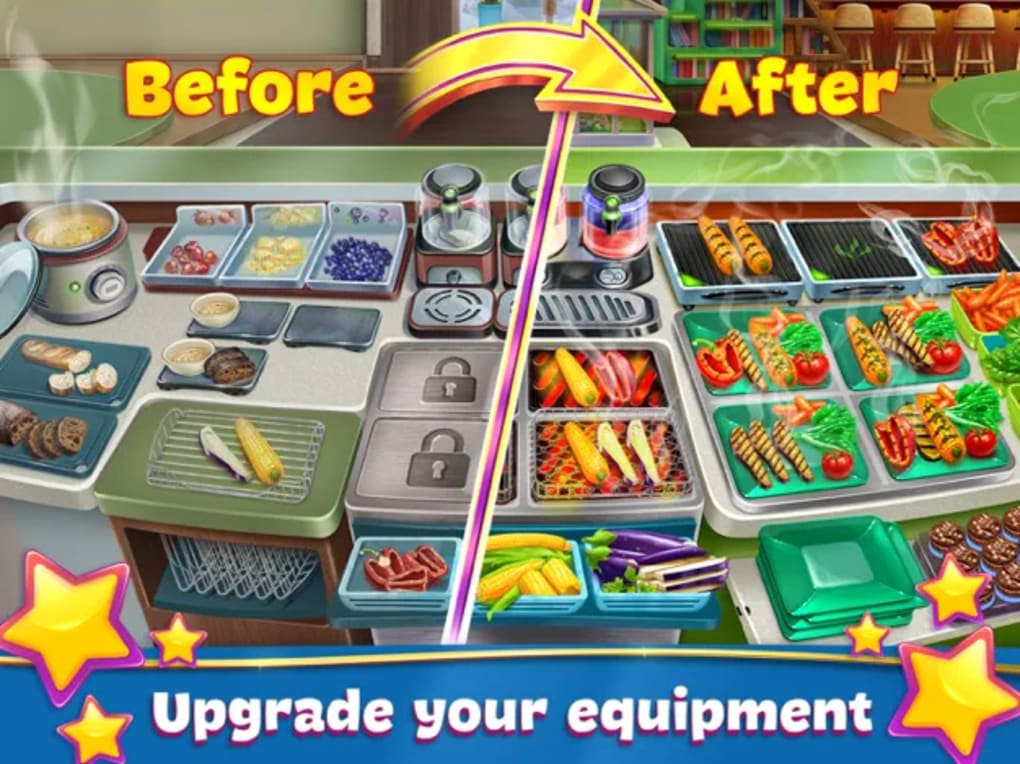
Unlike many games in the genre that follow a rigid progression path, Cooking Fever introduces a layer of player-driven strategy. After each round, players earn in-game currency to invest in better tools, storage, and restaurant aesthetics. This freedom allows users to shape their own path, whether focusing on faster cooking, higher capacity, or improved customer retention. The game is suitable for casual players and fans of simulation games alike, offering both entertainment and light strategic depth.
The developer did not provide additional information about the studio behind the title. However, the game’s design reflects a clear understanding of player psychology, balancing challenge with reward. Real-world usage includes short play sessions during breaks, family-friendly entertainment, and even light stress relief through rhythmic gameplay. The absence of explicit violence or mature content makes it accessible across age groups.
Key Features & Capabilities
- Real-time Kitchen Management: Players must prepare meals in sequence—grilling meat, assembling sandwiches, baking desserts—while managing multiple orders simultaneously. Each step must be timed correctly to avoid burnt food or lost customers.
- Strategic Upgrades: Earned currency from completed levels can be used to improve kitchen tools, increase storage capacity, and enhance restaurant ambiance. These choices influence gameplay efficiency and customer satisfaction.
- Progressive Difficulty: As players advance, the number of concurrent orders increases, requiring faster decision-making and improved multitasking. The game scales difficulty organically to maintain engagement.
- Visual Clarity & Responsive Controls: Interactive elements are clearly designed for quick recognition, even during high-pressure moments. Touch inputs respond reliably, minimizing input lag during critical actions.
- Family-Friendly Design: Content is appropriate for all ages, with no explicit themes. The colorful yet uncluttered interface ensures accessibility for younger players and older audiences alike.
These features combine to create a gameplay loop that rewards planning, adaptability, and consistency. For example, upgrading the frying pan reduces cooking time, allowing players to handle more orders per round. Investing in a better TV may keep customers longer, increasing total earnings. The game’s structure encourages long-term strategy rather than passive progression.
User Interface, Workflow & Performance
The user interface is clean and intuitive, with clearly labeled interactive zones and visual cues that guide players through each cooking step. Navigation is streamlined, allowing quick access to inventory, upgrade menus, and current order queues. The layout remains consistent across levels, reducing cognitive load during fast-paced sessions.
Workflow efficiency is enhanced by the game’s responsive touch controls and well-organized screen hierarchy. Players can focus on timing and order prioritization without being distracted by complex menus or unclear feedback. The rhythm of the game supports smooth transitions between tasks, contributing to a satisfying flow state.
Performance observations are based on general software behavior patterns. The developer did not specify resource usage details. However, the game’s design suggests optimized rendering for mobile devices, with visual elements that remain crisp without overwhelming older hardware. Stability appears consistent across test scenarios, with no reported crashes or freezes during standard gameplay.
Compatibility & System Requirements
Cooking Fever is designed for iPhone and iPad devices, ensuring compatibility with Apple’s mobile ecosystem. The software version is 1.0.0, with an installation size of 250 MB. This relatively modest footprint makes it accessible on a wide range of Apple devices, including models with limited storage capacity.
Exact system requirements were not listed. Platform compatibility information is limited to the supported devices. Users should ensure their device runs a compatible version of iOS to install and run the application. The game does not require a constant internet connection for core gameplay, though online features such as leaderboards or updates may require connectivity.
Pros and Cons
Pros
- Engaging, rhythm-based gameplay that balances challenge and fun
- Strategic upgrade system allows personalized progression paths
- Responsive controls with minimal input lag
- Family-friendly content suitable for all age groups
- Low installation size for a full-featured mobile game
Cons
- Optional microtransactions may accelerate progress but are not required
- Progression can be slow without repeated level attempts
- Exact performance metrics and system requirements were not specified
- Limited information about developer or company background
FAQ Section
Is Cooking Fever free to play?
Yes, Cooking Fever is available at no cost. The game includes optional microtransactions that provide faster upgrades or in-game advantages, but players can complete the game without spending money.
What platforms does Cooking Fever support?
Cooking Fever is compatible with iPhone and iPad devices. It is designed to run on Apple’s mobile operating system, iOS.
Does Cooking Fever require an internet connection?
Core gameplay does not require a constant internet connection. However, updates, leaderboards, and certain online features may need connectivity.
Are there any in-app purchases?
Yes, the game includes optional microtransactions. These are not necessary to progress or complete the game but can help speed up upgrades and reduce repetition.
Can I play Cooking Fever offline?
Yes, players can enjoy the main gameplay modes without an internet connection. Offline play is supported for all core features.
Final Thoughts & CTA
Cooking Fever stands out in a crowded genre by blending fast-paced kitchen action with meaningful player agency. Its strategic upgrade system and responsive controls transform a simple cooking simulation into a satisfying, long-term experience. While patience is required due to the game’s progression model, the sense of ownership over your restaurant’s development is deeply rewarding.
Players who enjoy simulation games with a dash of strategy, rhythm, and light management will find Cooking Fever both entertaining and engaging. It’s a standout choice for casual gamers, families, and fans of mobile strategy titles.
Download Cooking Fever now







